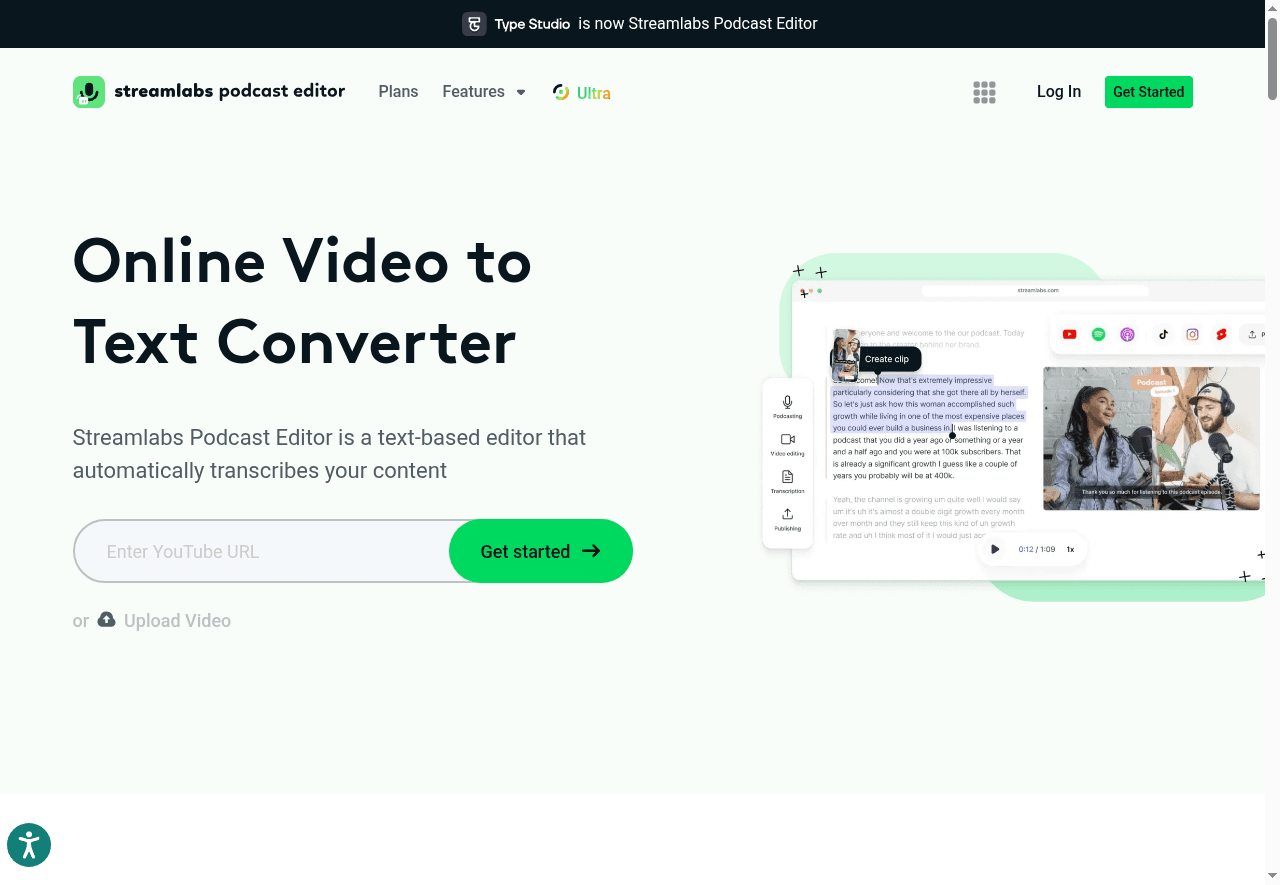
Streamlabs Podcast Editor
Type Studio is a video editing tool that allows users to convert video content into text, making it easy to edit and create subtitles.
- Beginner
- Freemium
- English
- Overview
- Reviews
- Alternatives
Use Cases
- Video Editing
- Transcription
Ideal For
- Content Creator
- Designer
Features
- Automatic transcription
- Text editing
Popular Searches
- Transcribe my video
- Edit subtitles for my video
Reviews
Rate this tool
Alternatives
WAN Animate - AI Character Animation Tool | Motion CaptureFreemiumUse WAN Animate AI to convert characters into animated videos. Professional motion capture through simple video input.- Video
- Text to Video AIFreemiumA tool that converts text into engaging videos using customizable templates and AI technology.
- Video
Kiwi VideoFreemiumKiwi Video is an AI-powered video editing tool that allows users to create and edit videos effortlessly using templates and AI technology.- Video
2 stars
0.0 / 5
Rating based on recent reviews
- 5 stars0
- 4 stars0
- 3 stars0
- 2 stars0
- 1 star0
FAQ
- What features are available?Automatic transcription, Text editing
- What is Streamlabs Podcast Editor and what is it used for?Streamlabs Podcast Editor is a tool designed for podcasters and content creators to edit their audio and video recordings. It provides features for enhancing audio quality, adding effects, and streamlining the editing process to produce professional-grade podcasts and videos.
- Suitable for whom?[{"name":"Content Creator","key":"content-creator"},{"name":"Designer","key":"designer"}]
- How do I pay for Streamlabs Podcast Editor?Bank card payment
- Is there a free version or demo access?Yes